Voucher edit and delete
Vouchers can be edited or deleted after being issued, although it is not recommended.
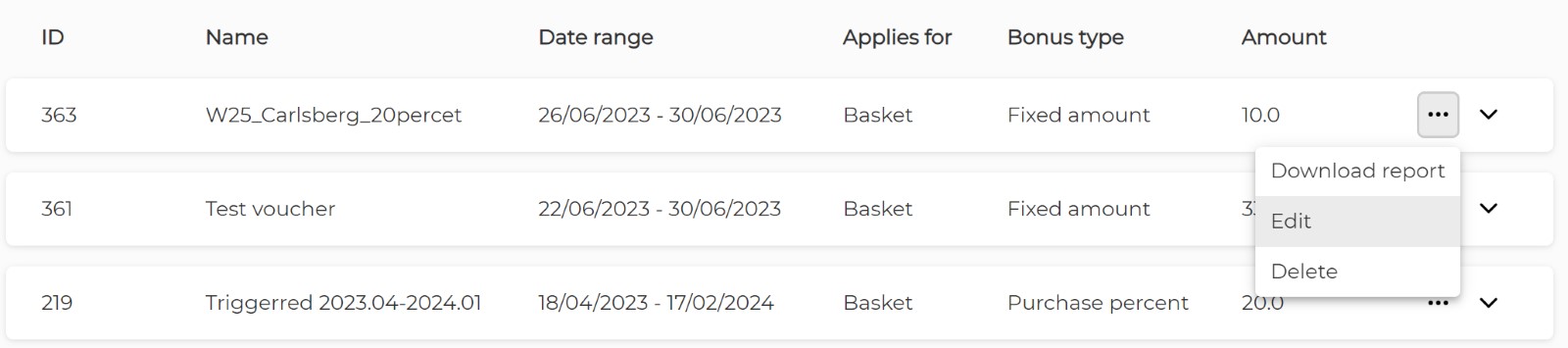
Voucher Edit
Update the necessary settings and click "Save". Not all parameters can be edited after the campaign is created.
- Campaign Type cannot be switched between Standard and Triggered.
- Voucher calculation cannot be changed between Basket and Product.
- The picture can be edited but cannot be removed to leave the default image in place.
Voucher Delete
Once a campaign is deleted, the voucher will disappear from the application and will no longer apply.