Channel
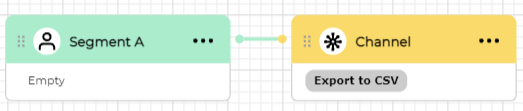
Adding channel block to the canvas
With the Channel block on the canvas you can send segmentation results to a specific channel.
Channel configuration
Double click on the channel block to open channel configurator.
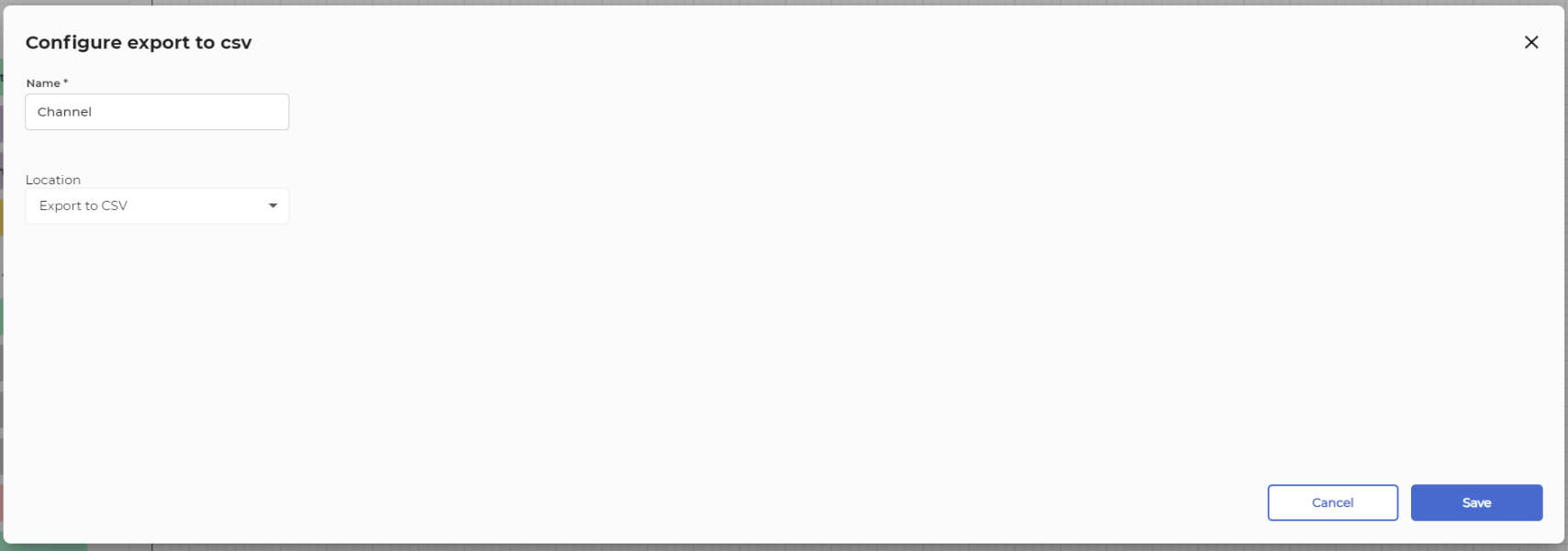
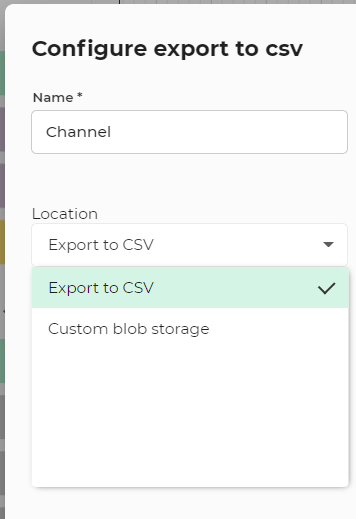
You can specify name and select the type of the channel from the drop down list. For example if you choose "Export to CSV" then it will create a CSV file with all the data that were segmented (using other block that is connected to channel).
You can send data to other systems by choosing other types from the drop down. You can also create your own channel types using settings page (requires administrator permissions)