How to manage saved segments
Overview
The Segments page lists all predefined segments you can access. Here you can search, view, copy, and delete segments.
Note: Segments marked as Private are visible only to their creator.
See How to Use Segment Builder for more about permissions.
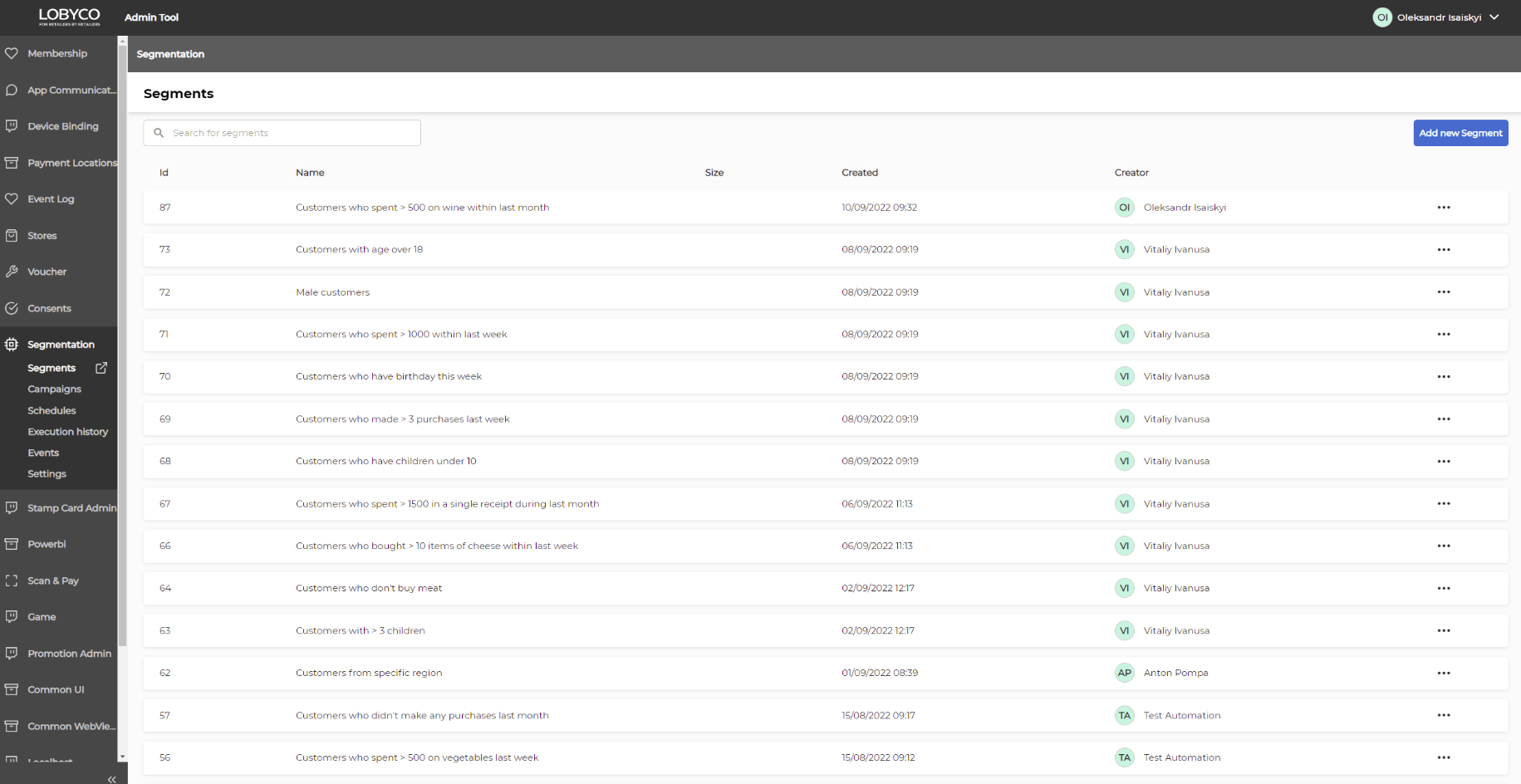
Search segments
Use the Search for segments box to find a segment by name.
Segments table
The table includes:
- ID – unique identifier of the segment.
- Name – descriptive name defined by the owner.
- Size – number of members in the segment (hover to see last execution date).
- Created – creation date and time.
- Creator – initials and name of the user (hover to see email).
- … – menu with additional actions.
Actions with a segment
Use the context menu (…) on a segment row to:
- Copy – creates a duplicate segment.
- The copy is named with the suffix “(copy)” until you rename it.
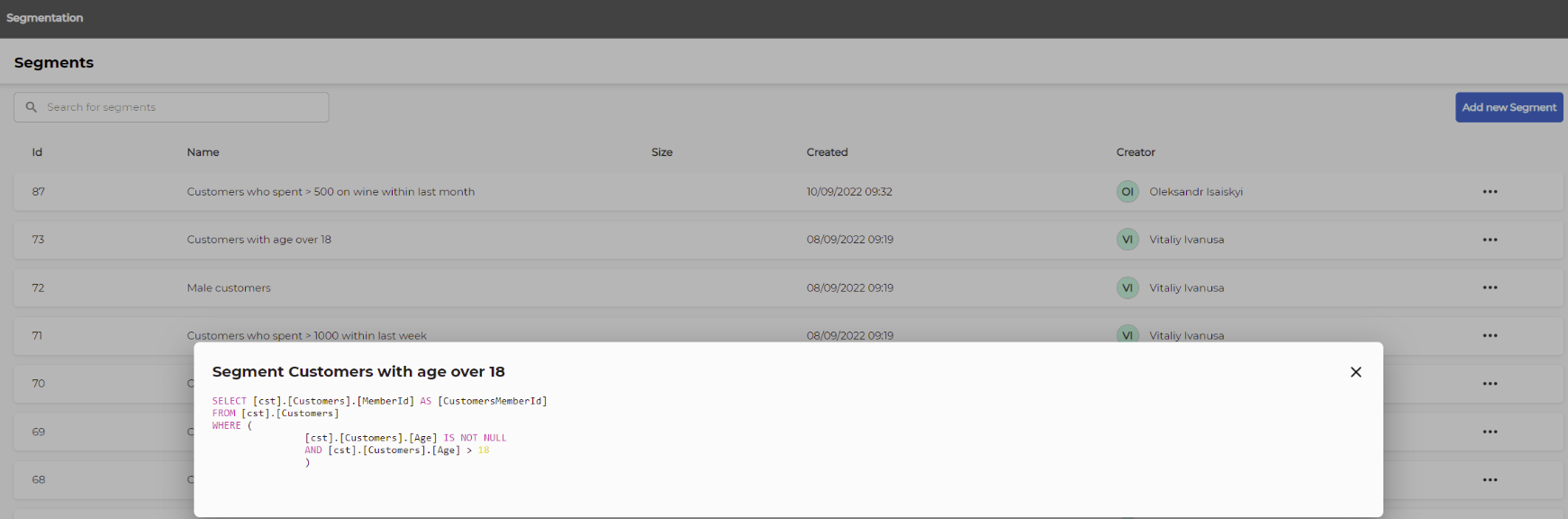
- View – opens a popup showing the SQL query used to generate results.
- Example:
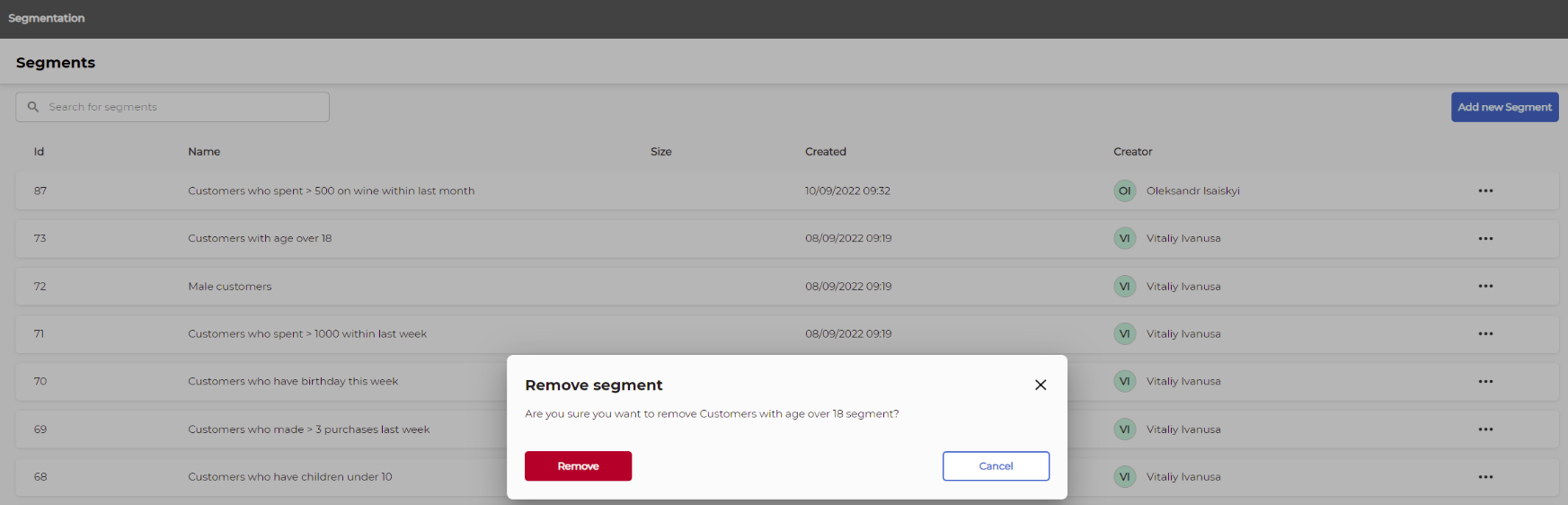
- Remove – deletes the segment (if you have permission).
- Example confirmation: