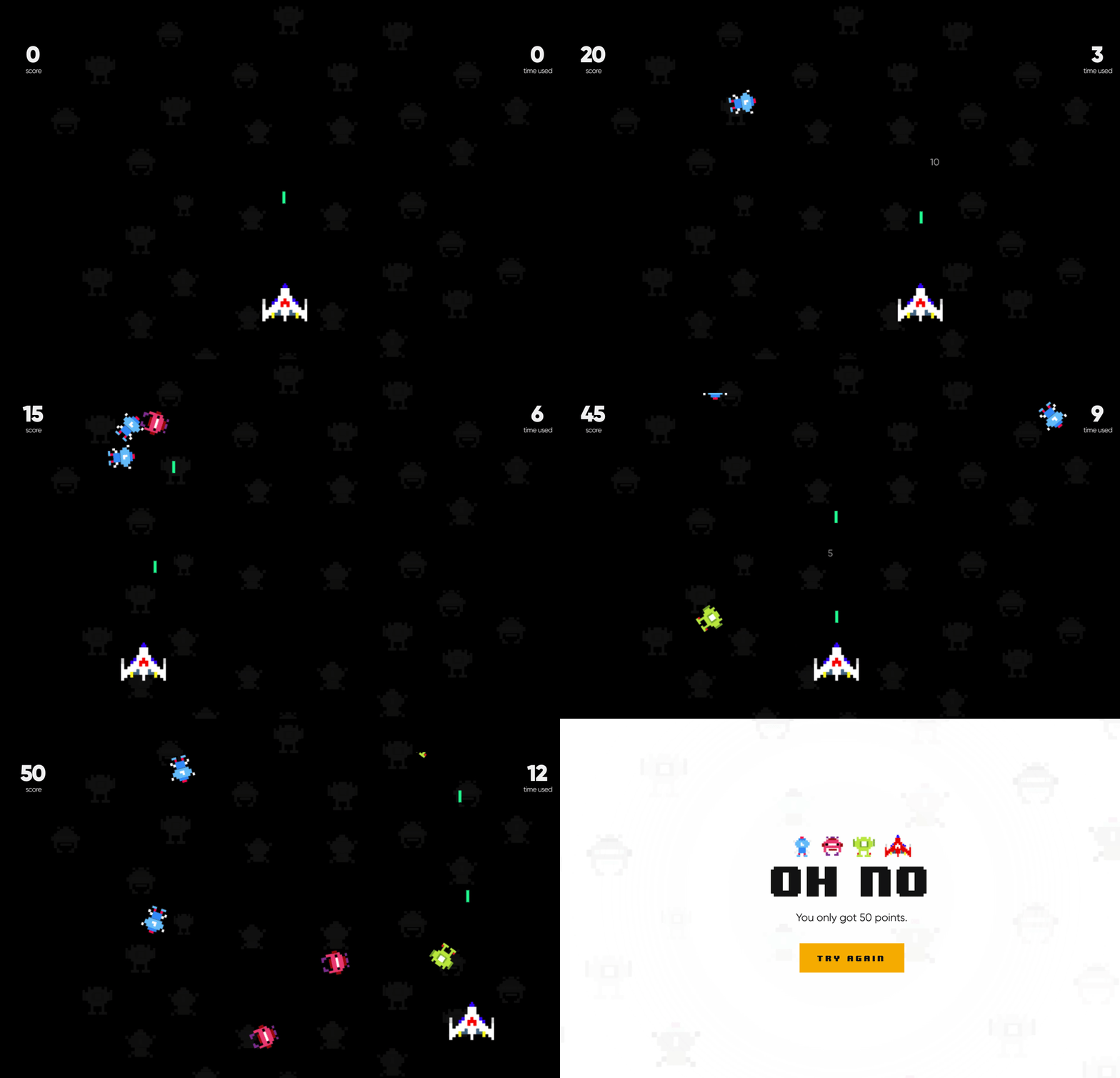
Shoot It
Similar to classic arcade game, users move the 'shooter' across the bottom of the screen to shoot falling images and collect points
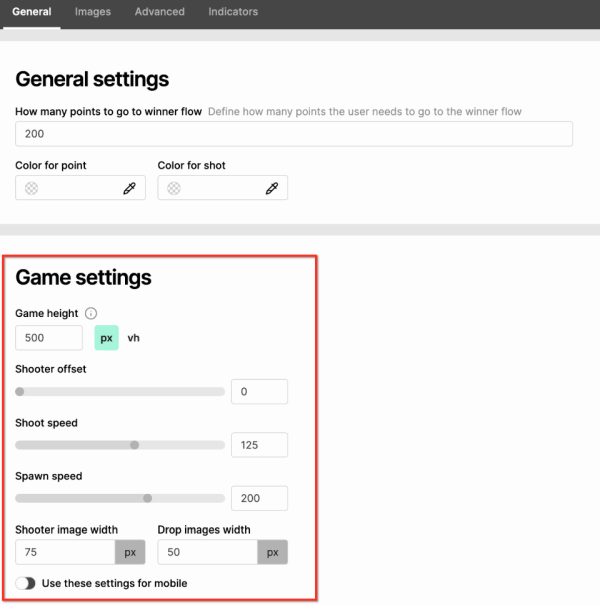
Shooter and dropping settings
You can control the speed of both the shooter and the dropping images from the general game settings (CTRL+G).
Points
💡 Health points indicate how many “lives” the dropping element has. If a dropping element has 10 health points, then it will take 10 shots to be eliminated.
Regular points are the points you collect, when the dropping element is eliminated.
Shooter image
- Number: 1
- Recommended size: 75 x 65 px
- Can upload larger and resize under Game Settings
- Recommended as .png with transparent background.
- The lasers will shoot out of the top-middle of the shooter.
- The game ends when an object hits the shooter, so the wider it is, the more challenging the game will be.
Drop images
-
Number: 2–50 (recommended between 5 and 8)
-
Recommended size: 50 x 50 px
- Can upload larger and resize under Game Settings
- Maximum size: 300 x 300 px
- Save as .png with a transparent background.
- Drop images can have different "values". You can assign health points, which is how many shots it takes to make them disappear, and you can say how many points they give if they are shot. (This is also how many points the participant loses if the item falls past the shooter.)
Shot image
- Number: 1
- Recommended size: 48 x 48 px
- Maximum size: 75 x 75 px
- Save as .png with a transparent background
- The shot image is an optional graphic that can replace the colored shots that come out of the shooter.