Delete gameplay
Use the delete function to tidy up your account and get rid of the gameplays that you no longer need.
It can be used on any type of gameplay, irrespective of their status or state: Active, Inactive or Template.
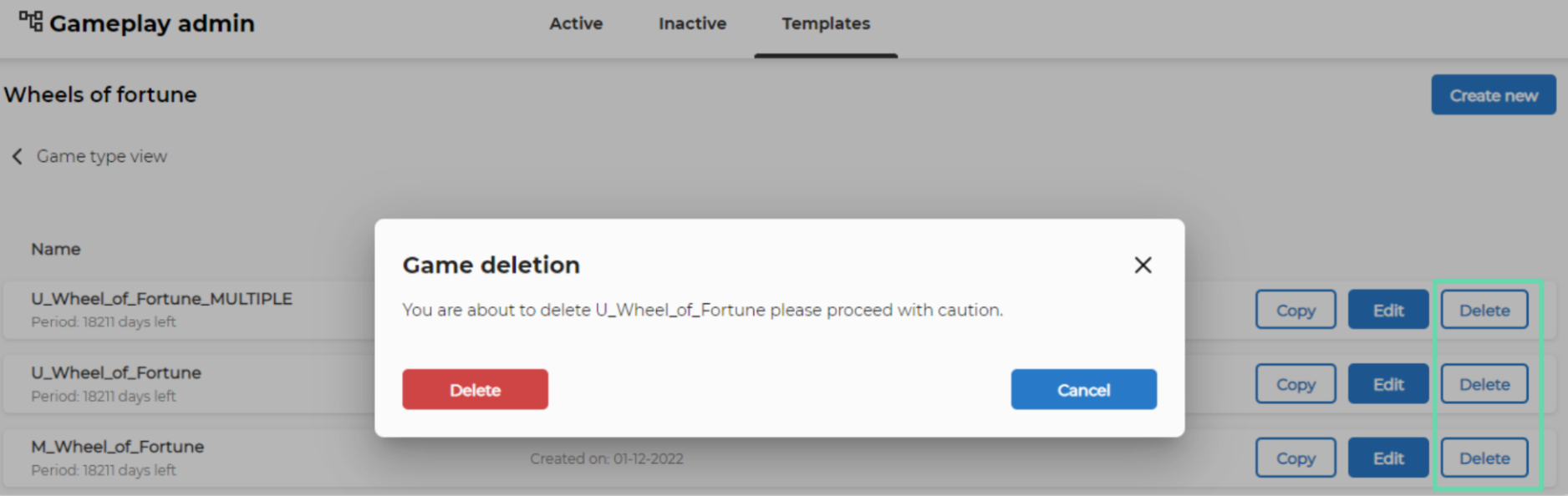
- Navigate to the game type and status you wish to clean up.
- Click Delete on the desired gameplay.
- A pop-up warns you that you are about to delete the gameplay.
- Click Delete to confirm deletion or Cancel to abort the deletion.