Enrich
Adding enrich block to the canvas
Orchestration provides a possibility to enrich segmentation results with other attributes. By default the segmentation result produced by "member segment" block contains only the Member IDs (membership numbers) but sometimes you need more data in the output.
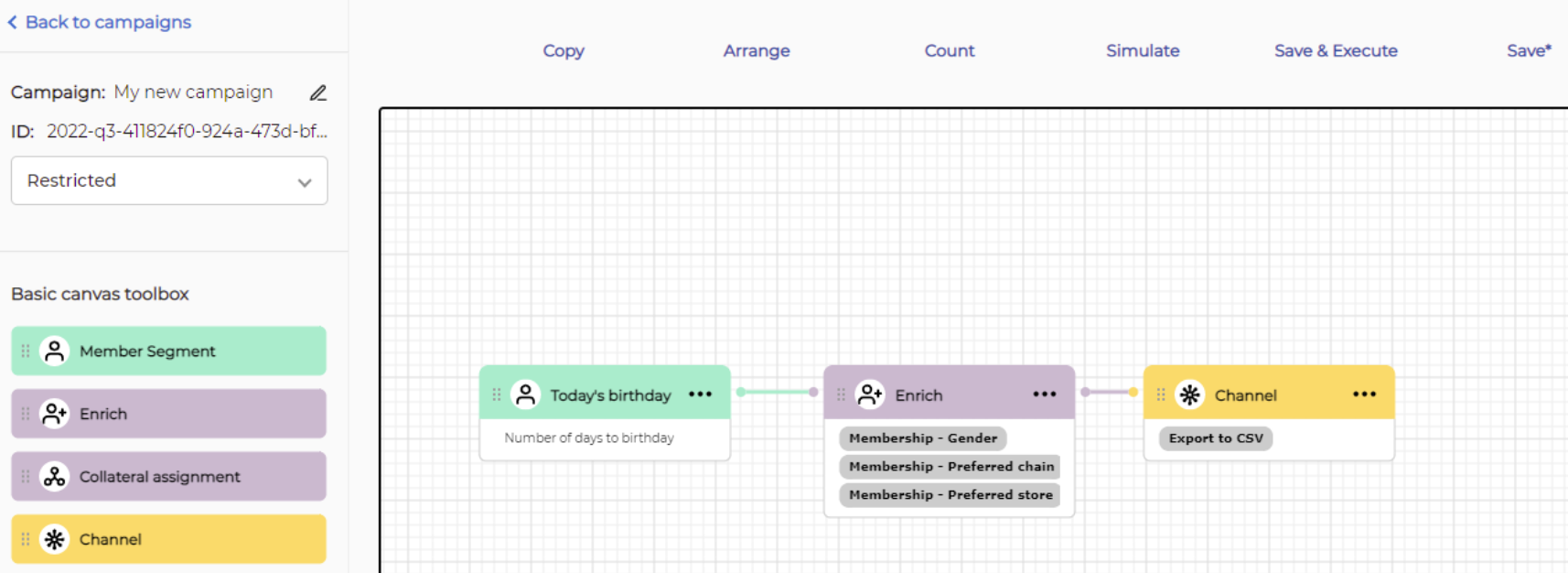
You can add an Enrich block to the canvas and connect it with segment block on the left side and channel block on the right side.
Enrich configuration
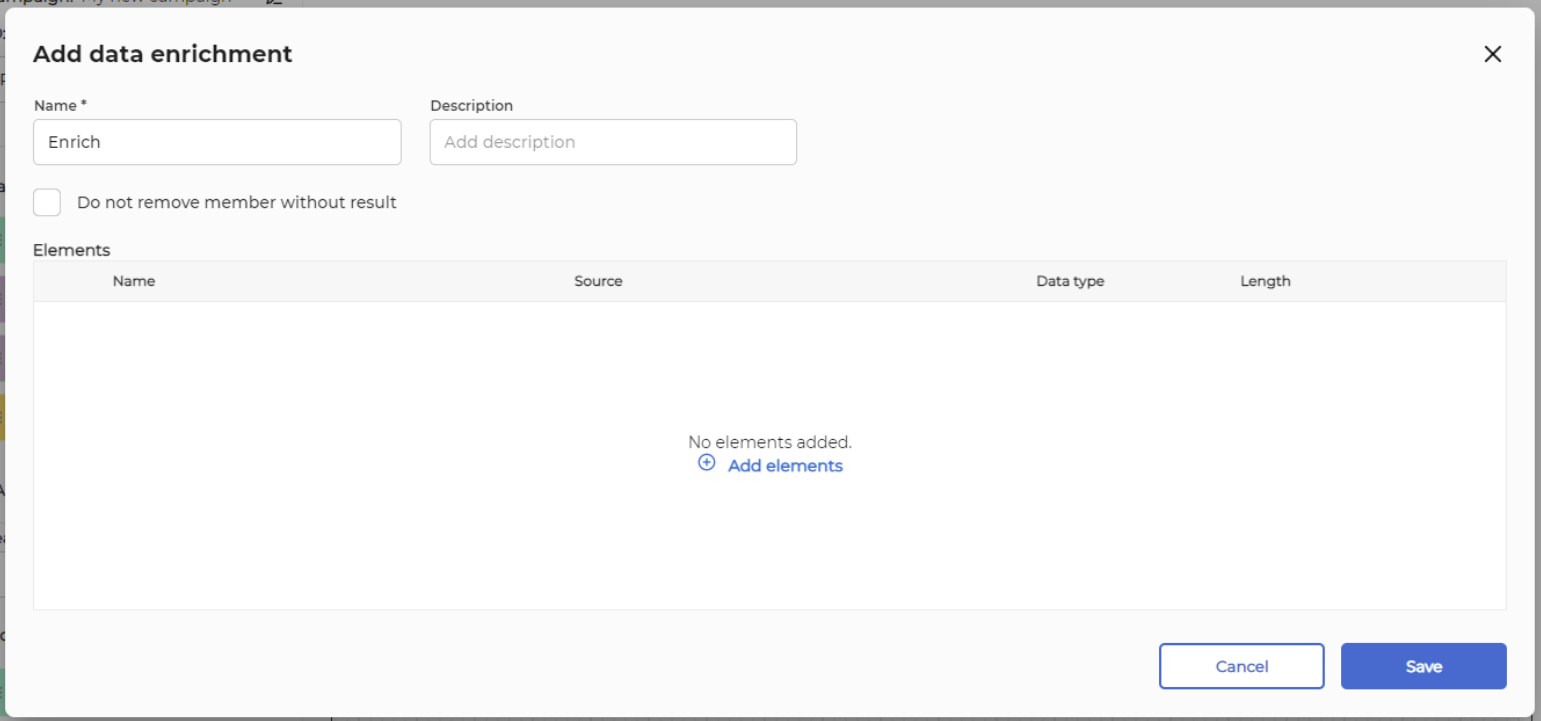
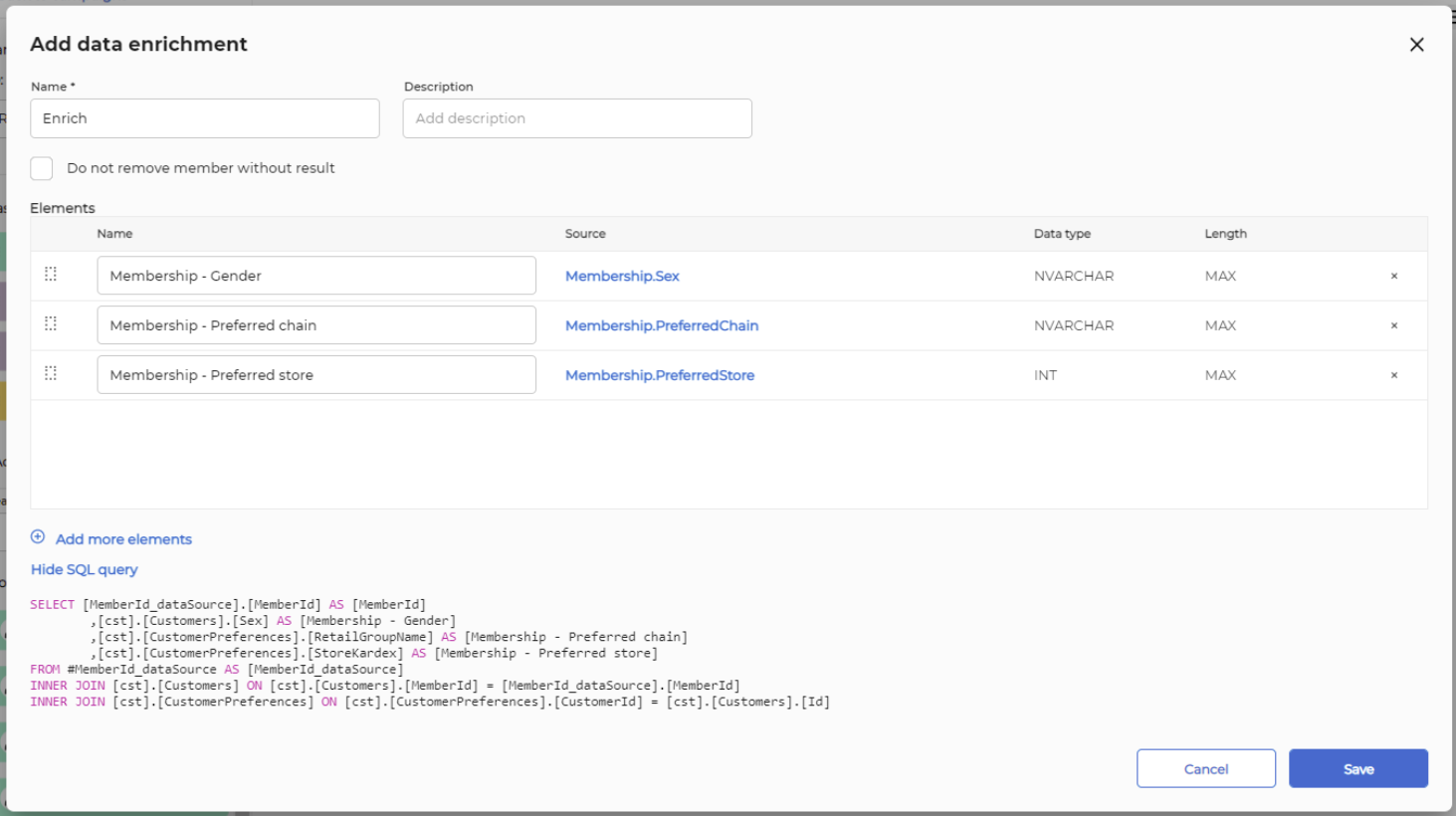
To configure Enrich block double click on it. In the enrichment wizard click on "Add elements"
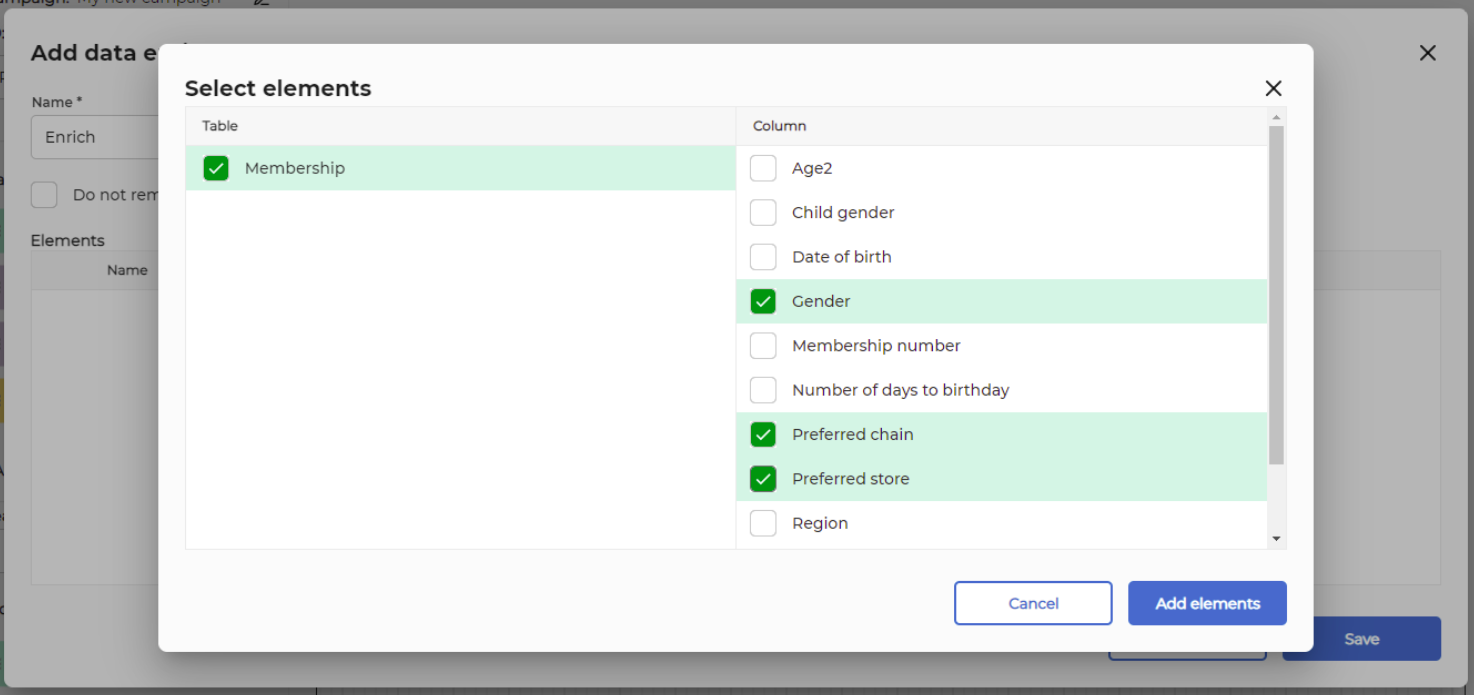
Select element(s) (columns) which will be present in result CSV file with member ID as the key.
You can also choose to enable the option "Do not remove member without result". If you don't do this, then members without enrichment data will be excluded from the output list.
Press button "Add elements" and button "Save". Enrich block is now configured.
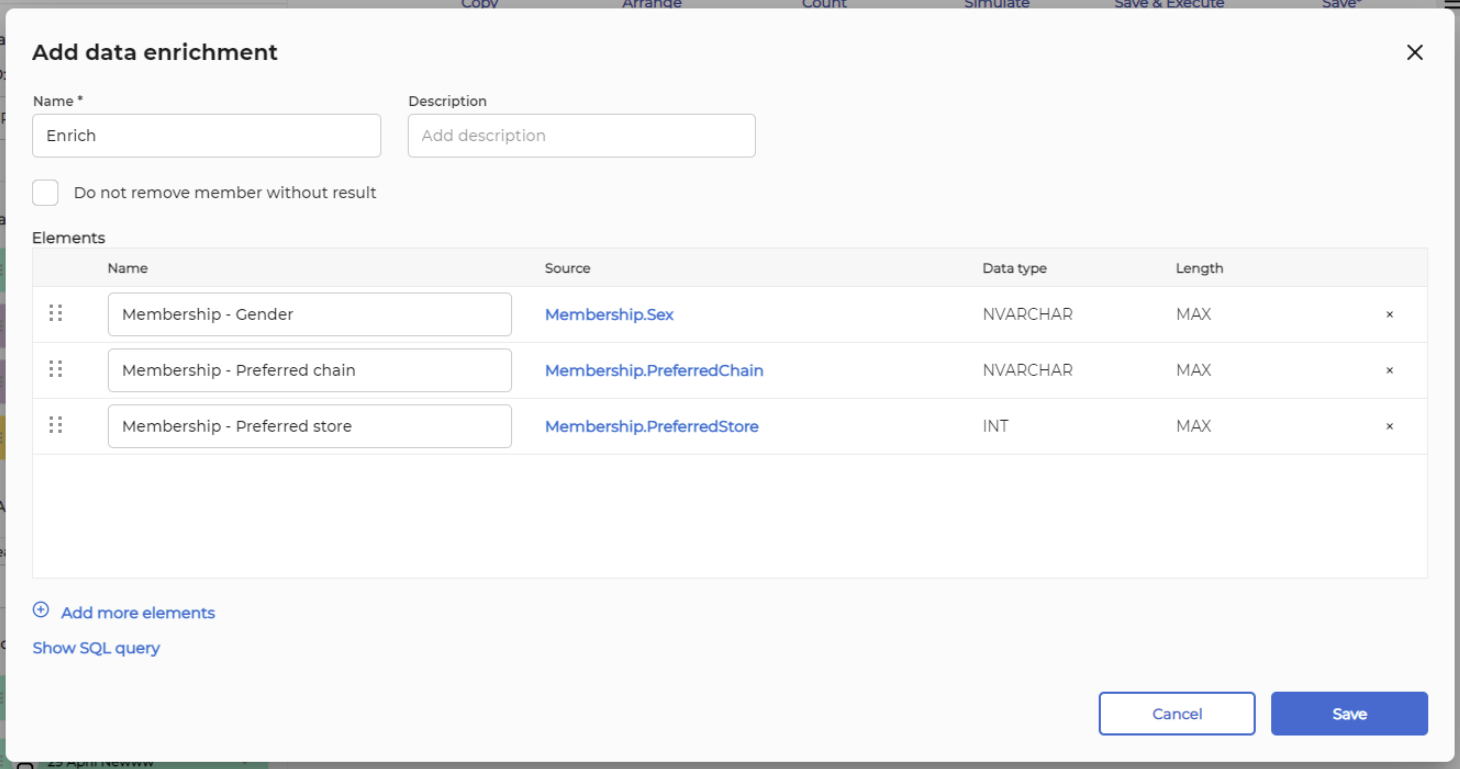
You can also click on 'show sql query' link so see the generated SQL query that will be used to enrich segmentation data.
Note: there are cases when data enrichment may provide more results then the number of member ids provided to it as an input from segment block. This happens when a customer have multiple active values for the attribute used in enrichment. Example: consent attribute.