Seed
Sometimes you may want to import list of members that was generated outside of Orchestration, eg. when you have a segment of member ID's from some other system. In this case you need to use the "Seed" block, which is in Advanced Canvas Toolbox.
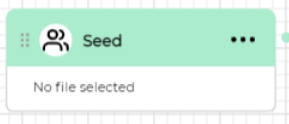
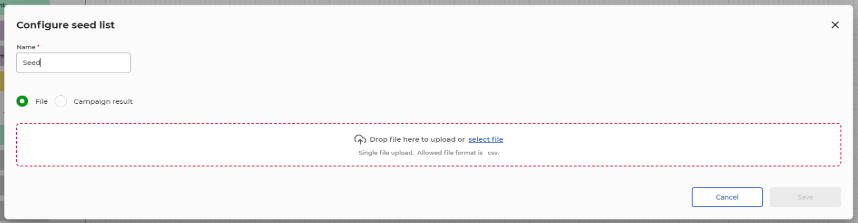
Double click on the seed block to open seed configurator wizard. The seed configurator supports two modes:
- File: Default option. This mode allows you to upload a CSV file containing member ID's that you want to use.
- Campaign result: This mode allows you to use a CSV file generated by another campaign execution that you then select from the list.
Using seed list from File
Upload a CSV file with list of member IDs. You will get an indication of how many ID’s could be matched against the existing user ID's. eg. "66 of 69 records matched" meaning 66 of the 69 ID's in the list actually exist in the Orchestration database.
Required format .CSV (semi-colon separator). List must contain member ID's only.
Using seed list from Campaign results
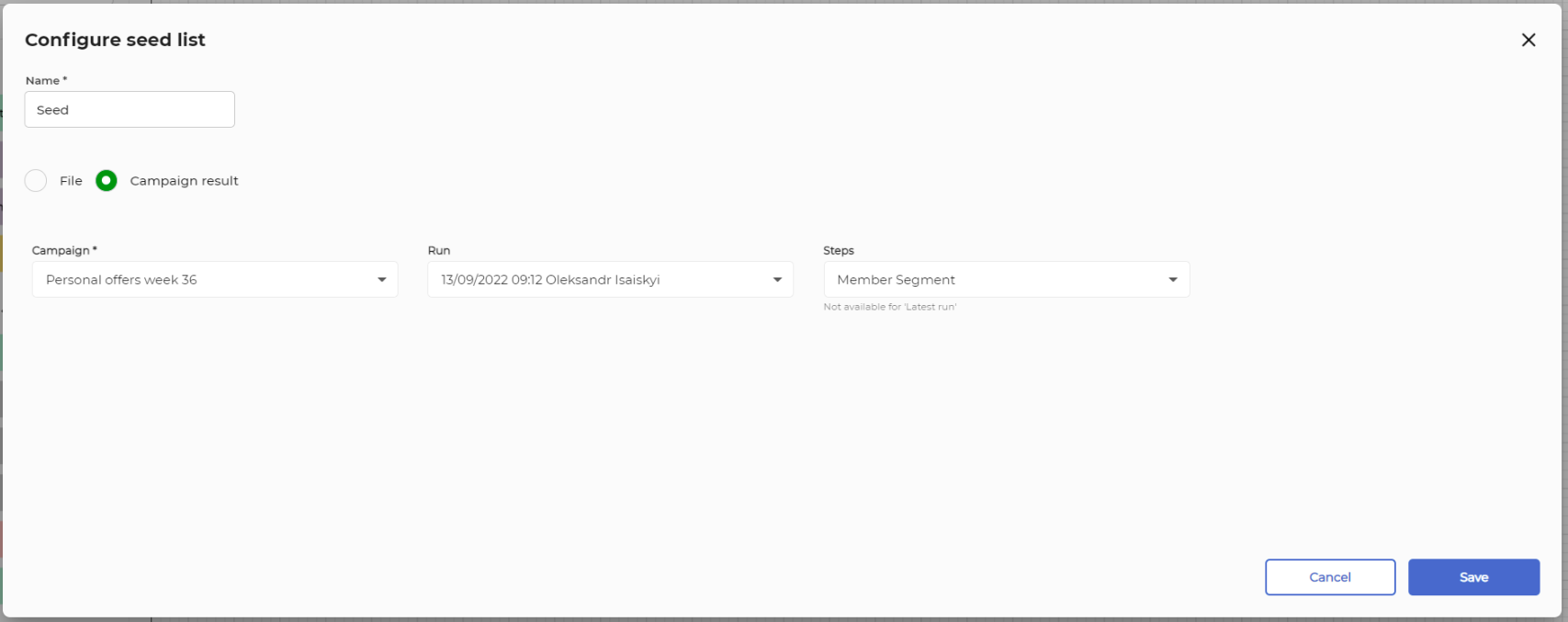
Seed list also enables you to use segmentation result from a another campaign. First you choose a campaign from the drop down list, then choose execution and then specific block which produced list of member ID's (seed block, member segment, intersect, except, combine).
Tip: You can combine a Seed list with an Exclude block to filter out those who already participated in a previous campaign, last campaign execution or an earlier execution, specific step, etc.