Slot Machine
Users test their luck to try to get three of the same pictures in a row.
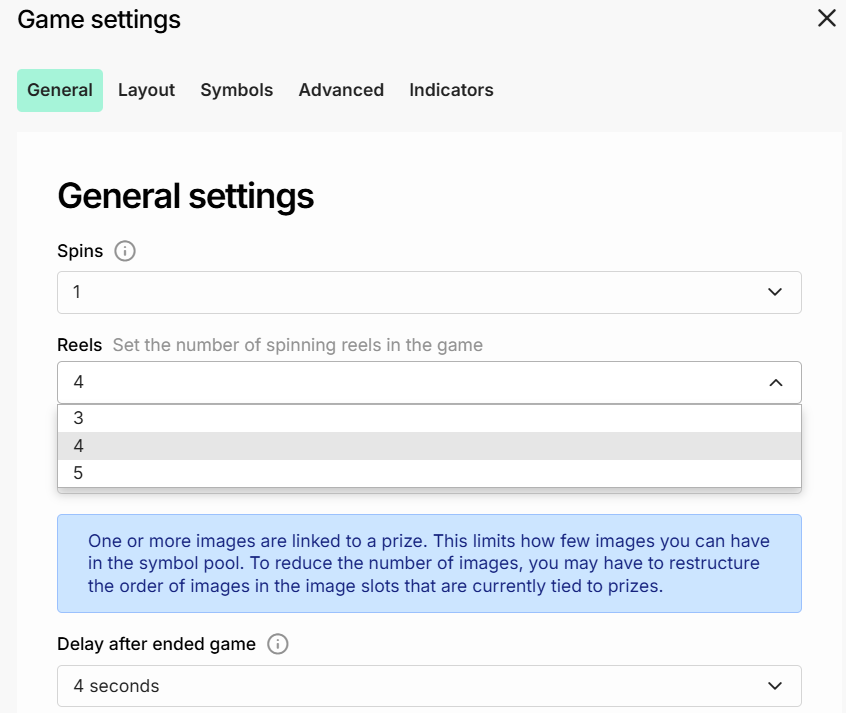
Slots spaces, or reels
For now, the slot machine design supports between 3 and 5 slot spaces, or reels. These can be set up from the game settings (CTRL + G).
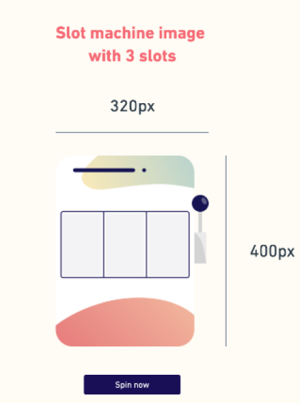
Mobile slot machine image
- Number: 1
- Recommended size: 320 x 145 or 340 x 400
- Maximum size: 750px wide
- This is the graphic for the slot machine itself, with 3 spaces for the slots. The spaces for the slot should be the same dimensions as the slot images. If you do not have a slot machine image, the slots will be placed in a plain, square grid.
Slots images
You can define a larger pool of images that the users can get in the slot machine. The first image will be always the one that is needed to get 3 times to be declared a winner.
- Number: 3–20
- Recommended size: 150 x 195 (130 x 160 if not using a slot machine image)
- Maximum size: 200px wide
- The slots are the images that spin around in the slot machine. They all need to be the same dimensions, and they should fit your slot machine image.
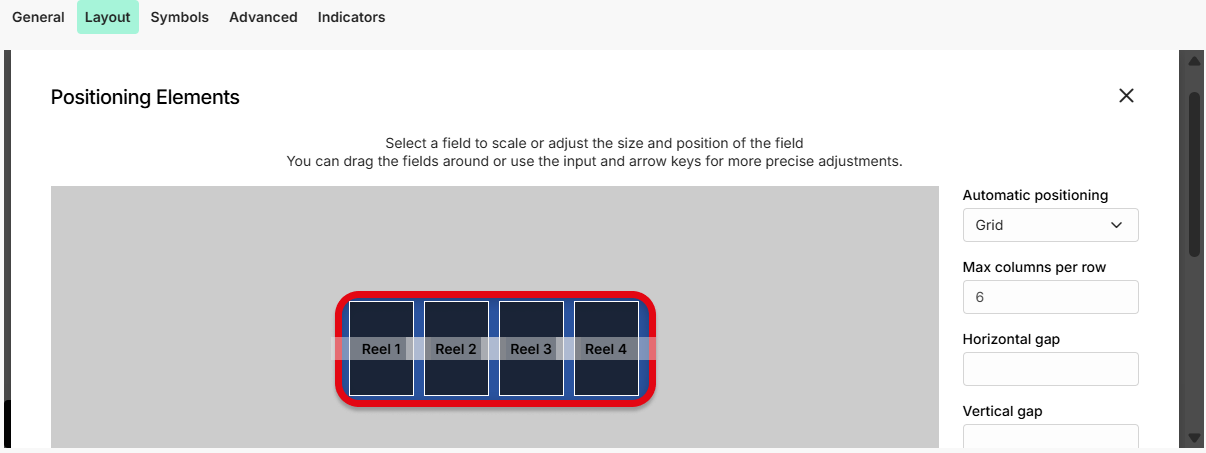
The images can be placed in the Game Settings - Layout - Click to place images section.
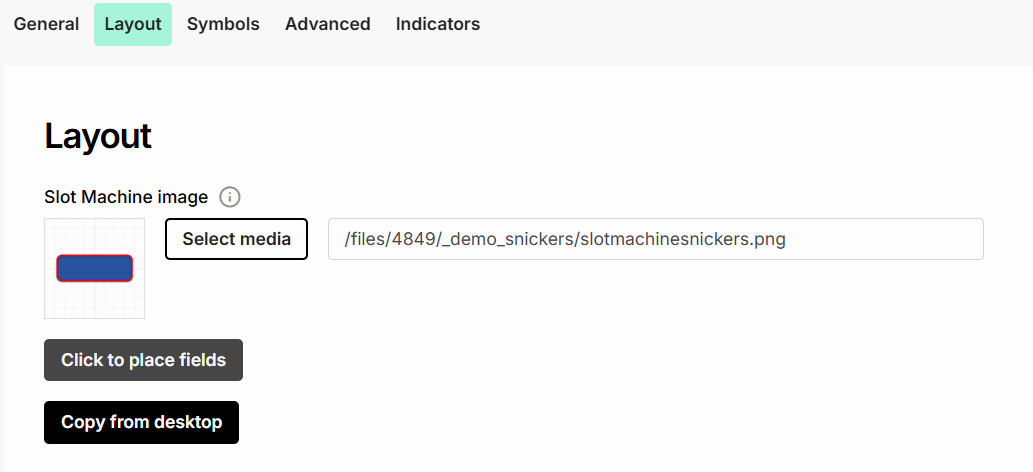
The easiest way is to set Automatic position - Grid, and to move the images around so they fit the slot machine location as needed.