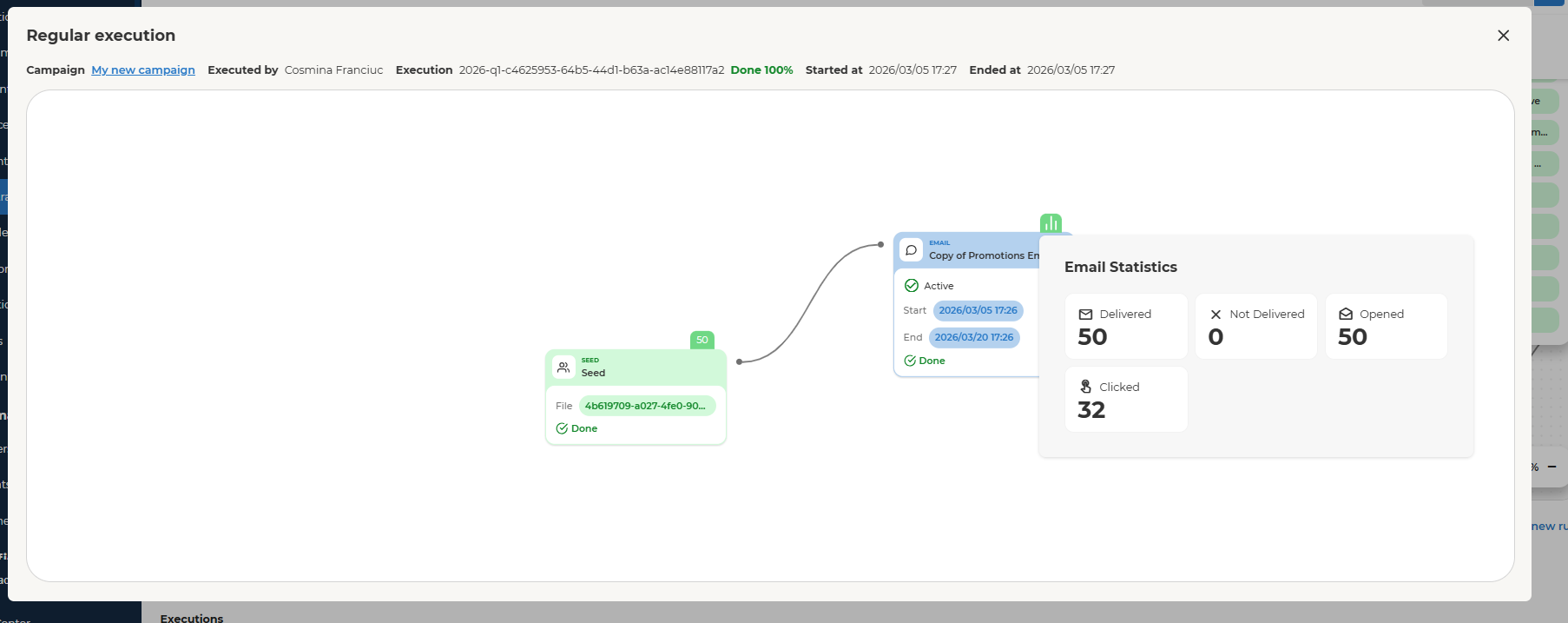
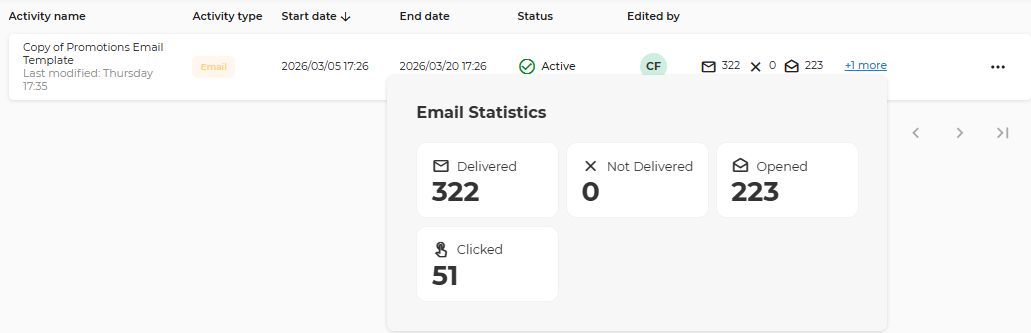
The Email Statistics section provides a high-level performance summary of a specific email activity or a specific email activity execution. It offers visibility into delivery success and recipient engagement through four core metrics:
-
Delivered
-
Not Delivered
-
Opened
-
Clicked
Data Update Frequency : Email statistics are refreshed once per hour.
-
Metrics are not real-time.
-
Events (delivery, opens, clicks) are aggregated and synchronized hourly.
-
There may be up to a 60-minute delay between a recipient action and visibility in the portal.
Statistics Definition
Delivered
- The number of emails successfully accepted by recipients’ mail servers.
Not Delivered
-
The number of emails that were not successfully delivered.
-
Possible reasons:
-
Invalid email address (hard bounce)
-
Mailbox full (soft bounce)
-
Domain or server rejection
-
Temporary provider issue
Opened
- The number of recipients who opened the email.
- Multiple opens by the same recipient on the same email may generate multiple open events, especially if the email is opened from different devices or locations.
ℹ️ Please also note that open tracking relies on tracking pixels (image downloads). If images are blocked or not downloaded by the email client or browser, some opens may not be tracked. Because of this, open tracking should generally be considered indicative rather than 100% accurate. Additionally, open tracking behavior can depend on the recipient’s browser or email client. Some browsers and clients block tracking pixels by default, while others allow them to load.
Clicked
- Each time a recipient clicks a URL within the email, a click event is logged. Multiple clicks on the same URL by the same recipient may result in multiple click events.
ℹ️ Please note that in certain scenarios the system may consolidate repeated clicks if they occur within a very short timeframe or under specific conditions.
Statistics on activity level
Statistics on orchestration execution level
-
Statistics can also be viewed within Orchestration, at the level of each execution of the email activity.
-
Each time the orchestration runs, statistics are recorded separately.
-
Metrics reflect performance for that specific execution instance.
-
Historical executions can be reviewed independently.