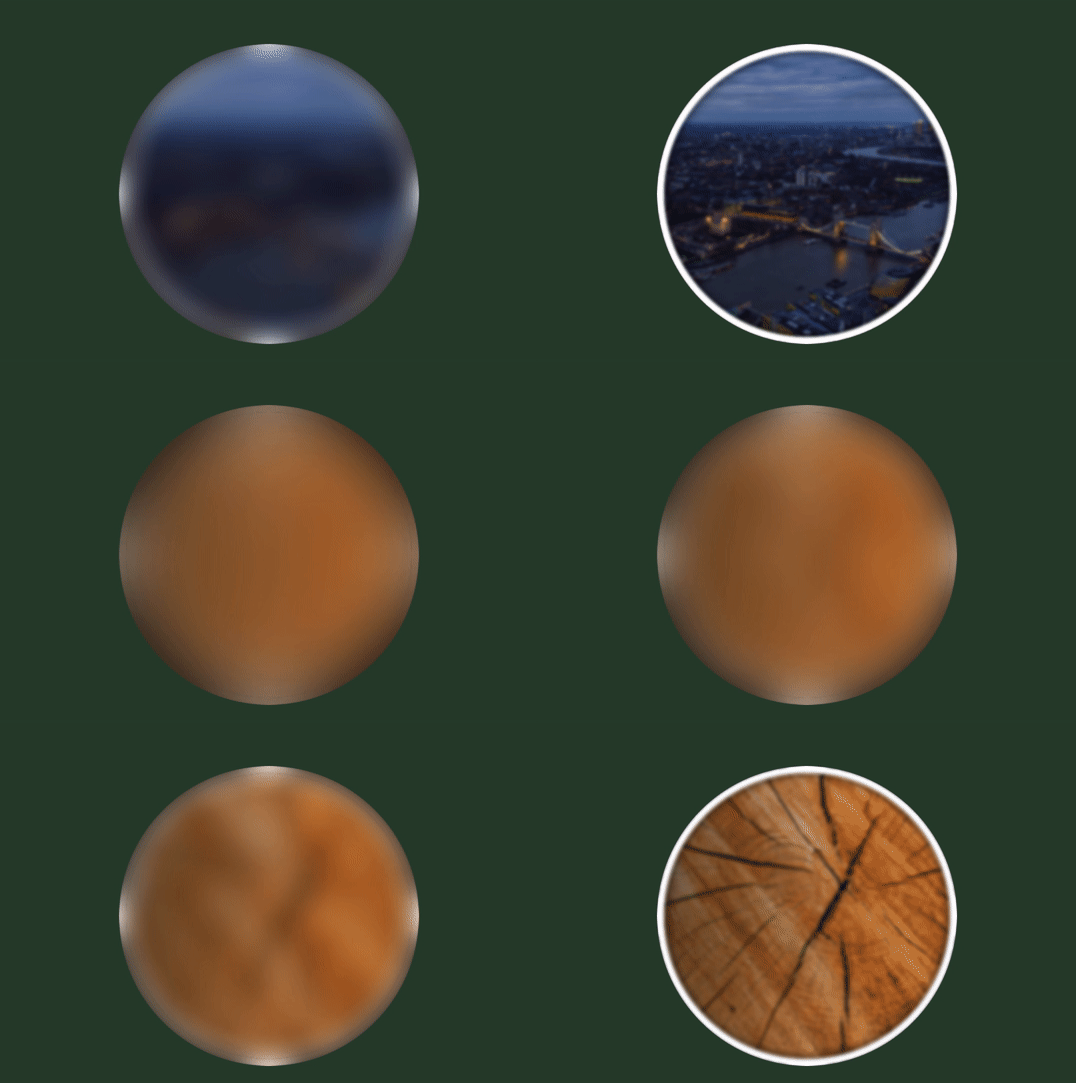
Guess the Image
Allows you to present users with visual content such as new product series, increasing brand awareness, or conveying a particular message.
Answers
You can edit the way your answers are displayed under Game settings → General → Answer layout as shown in the example underneath. Here you can for example change the text and background color of the answer options.
Time challenge
If you use time challenge, you must make sure that your time challenge matches the number of questions and seconds it takes for images to fill.
If you have more than 6 images and it takes 10 seconds per image to fill, the 6 images can take up the total amount of seconds available for a player to complete the game.
Randomizing images
When randomizing the images, you randomize the order in which they appear in the game. In other words, users will be presented with the same images, but they may appear in a different order.
Guess image
- Number: 1–50
- Recommended size: 300 x 300 or 450 x 450
- The image can be square or round. The platform can also turn a square image into a circle for you.
- The image can be revealed in two ways
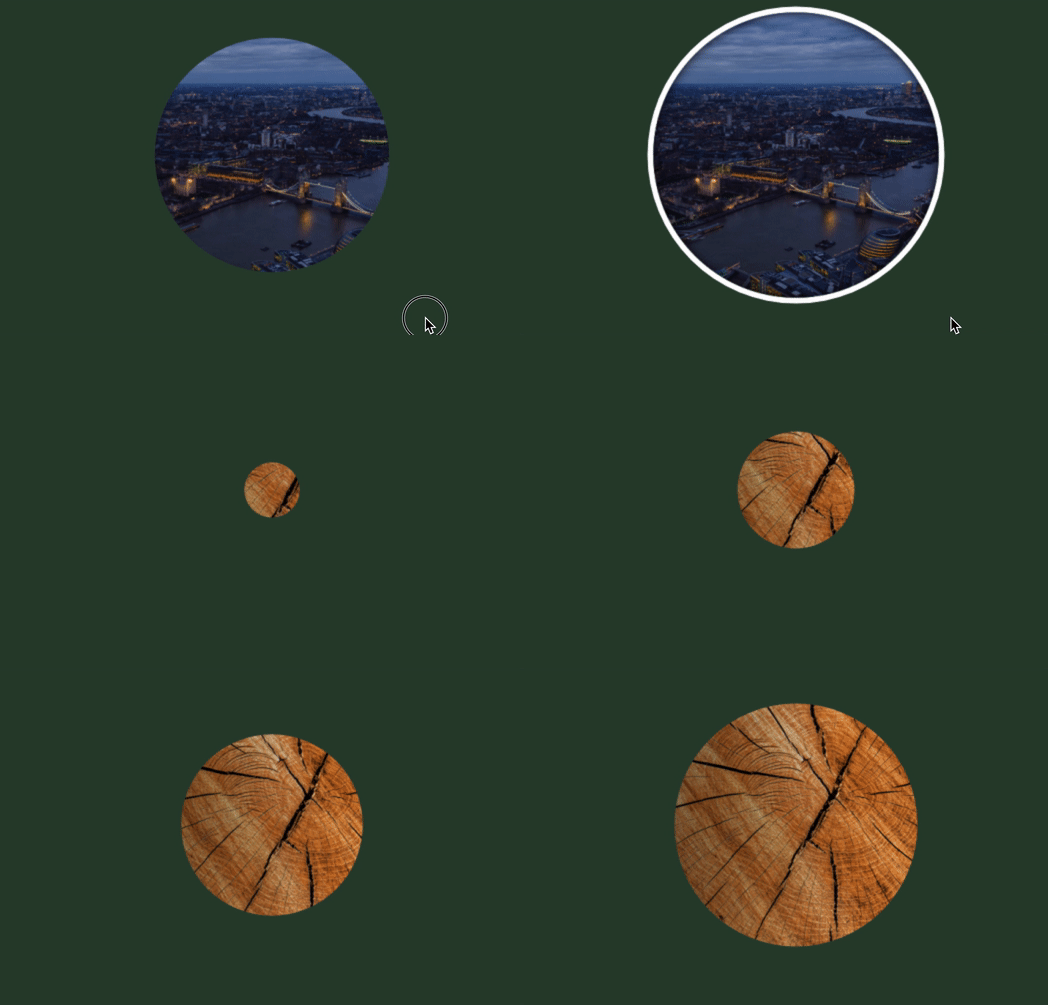
- Zoom out: a small circle gets larger until it reaches full-size
- Blur: the image gets less and less blurry until it is totally sharp
Zoom out
Blur