Gameplay editor
To manage the actual game design and the game flow, press Go to Gameplay Editor on a specific game.
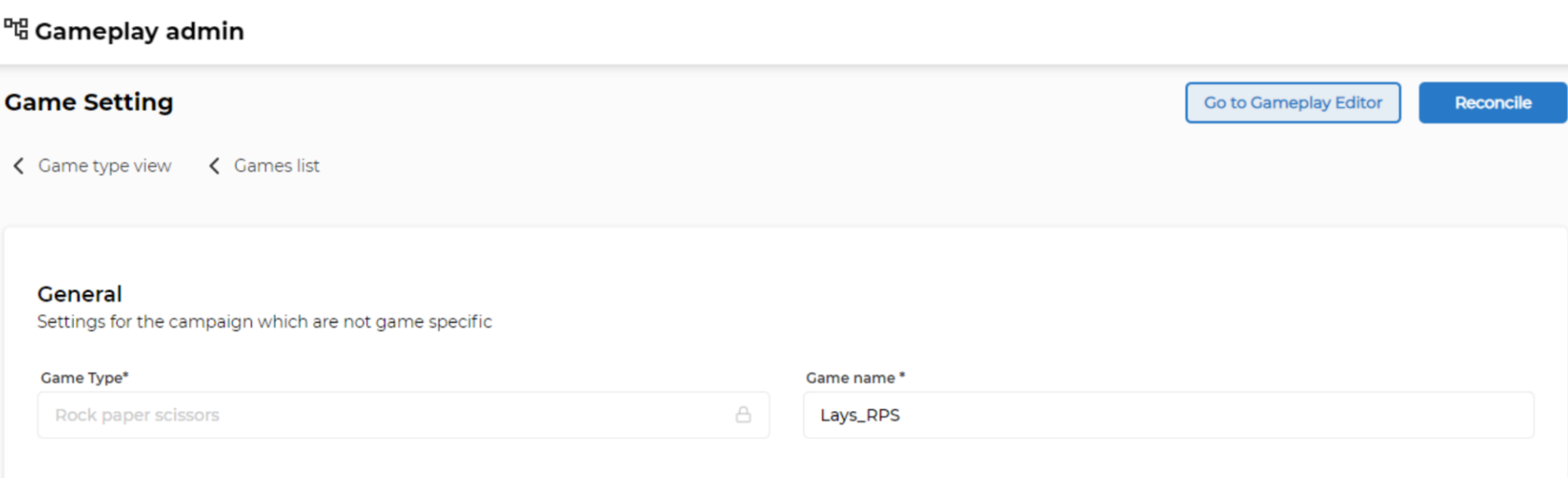
This opens up a dedicated in-browser editor that allows you to edit the game design and preview changes in real-time.
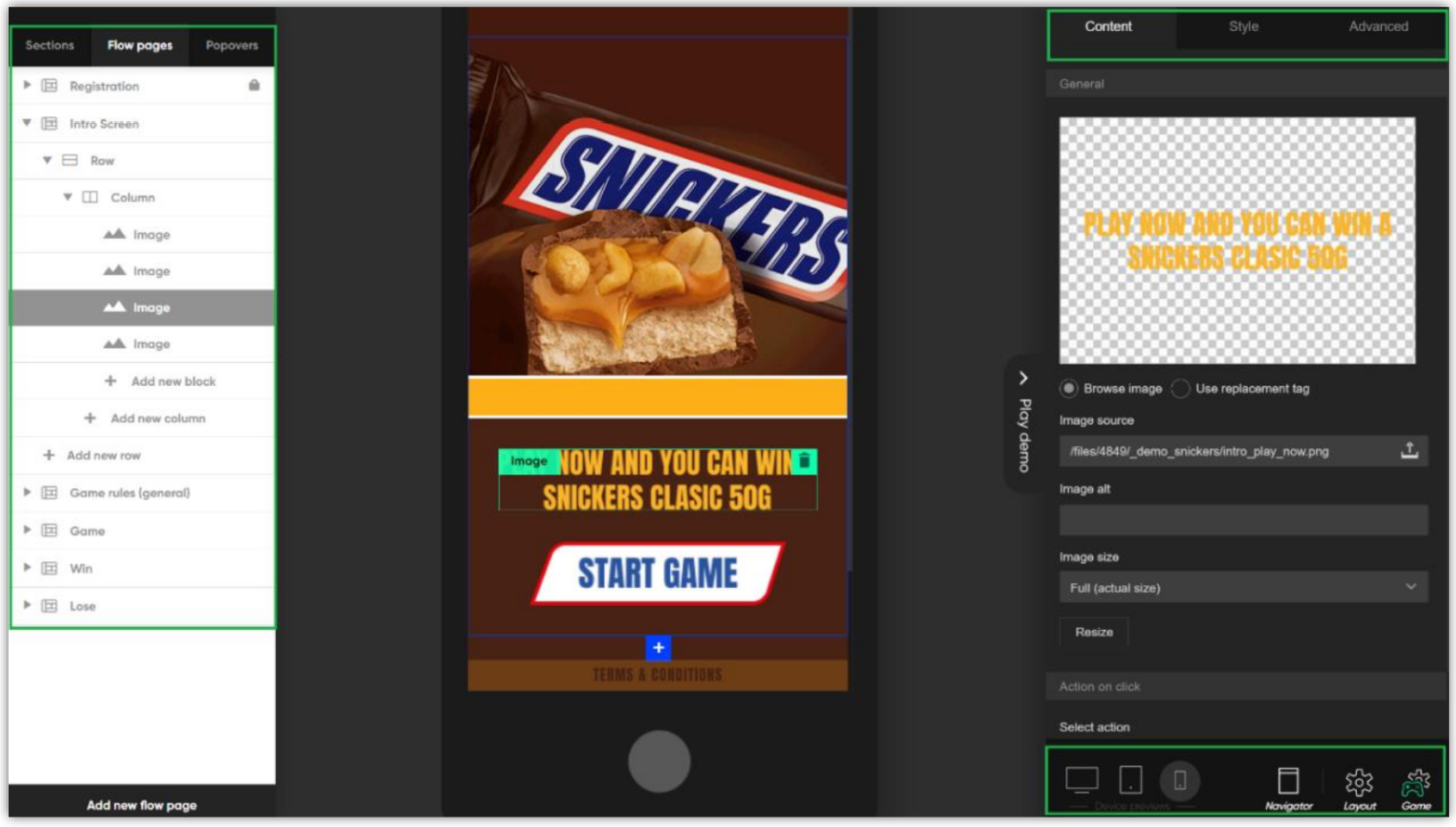
Check the dedicated Game Design documentation for detailed instructions.
Reconcile game
When a gameplay has been changed in the Gameplay Editor, it should be Reconciled so that the changes come into effect immediately (up to 5 minutes).
If changes are made in the Gameplay Editor and reconciliation is not done, then the change might take up to 24 hours to appear, because the gameplays are cached for better performance.
- Close the pane with the Gameplay Editor.
- Reconcile popup appears in the Gameplay Admin.
- If changes have been made, click Reconcile.
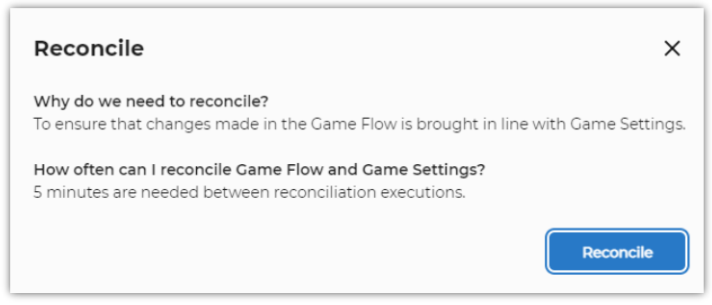
Gameplays cannot be reconciled more than once every 5 minutes. If you press Reconcile sooner than 5 minutes, a message indicating Too Many Attempts will be displayed.
